
Download MoboPlay – manage Android device, sync smartphone, backup phone data, mobile app for desktop, iOS and Android management
Overview
MoboPlay positions itself as a comprehensive desktop utility designed to streamline the management of Android and iOS devices directly from a computer. The app serves as a central hub for users seeking to simplify tasks related to file handling, media management, device personalization, and data security. By offering a unified interface, MoboPlay reduces the friction typically associated with transferring files, managing apps, or backing up critical data across devices. Its primary purpose is to enhance productivity and convenience for users who frequently interact with multiple mobile devices or rely on their smartphones for both personal and professional use. The target audience includes tech-savvy individuals, digital creators, and professionals who value efficiency and data integrity. Whether managing a large music library, organizing photos and documents, or ensuring system backups are up to date, MoboPlay aims to serve as a reliable companion for daily device maintenance. The developer, MoboPlay, has crafted an application focused on integration and usability, targeting users who prefer desktop-level control over their mobile content. Real-world use cases include syncing work-related files between devices, transferring multimedia content without relying on cloud services, and safeguarding personal data against loss or corruption. Despite the lack of detailed developer background information, the app’s functionality suggests a focus on cross-platform compatibility and user-centric design. In the broader mobile app ecosystem, MoboPlay fills a niche by bridging the gap between mobile and desktop environments, offering a desktop-first approach to mobile device management that remains underutilized by many mainstream solutions.Key Features & Functionality
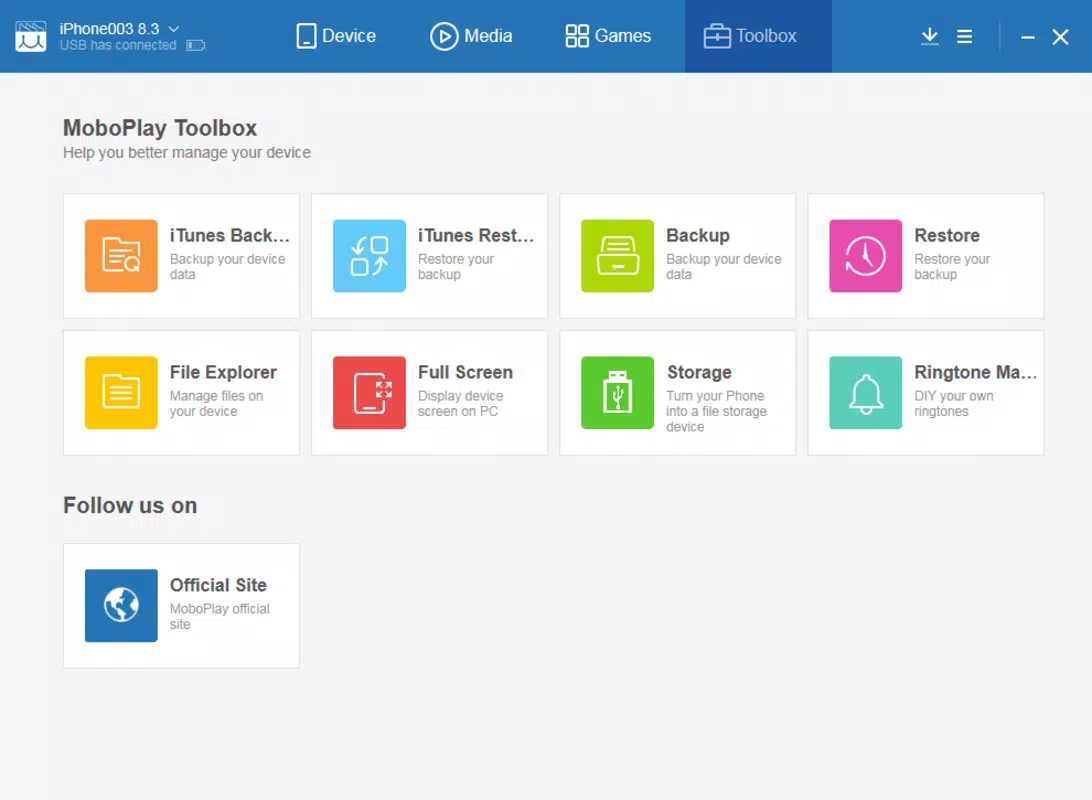
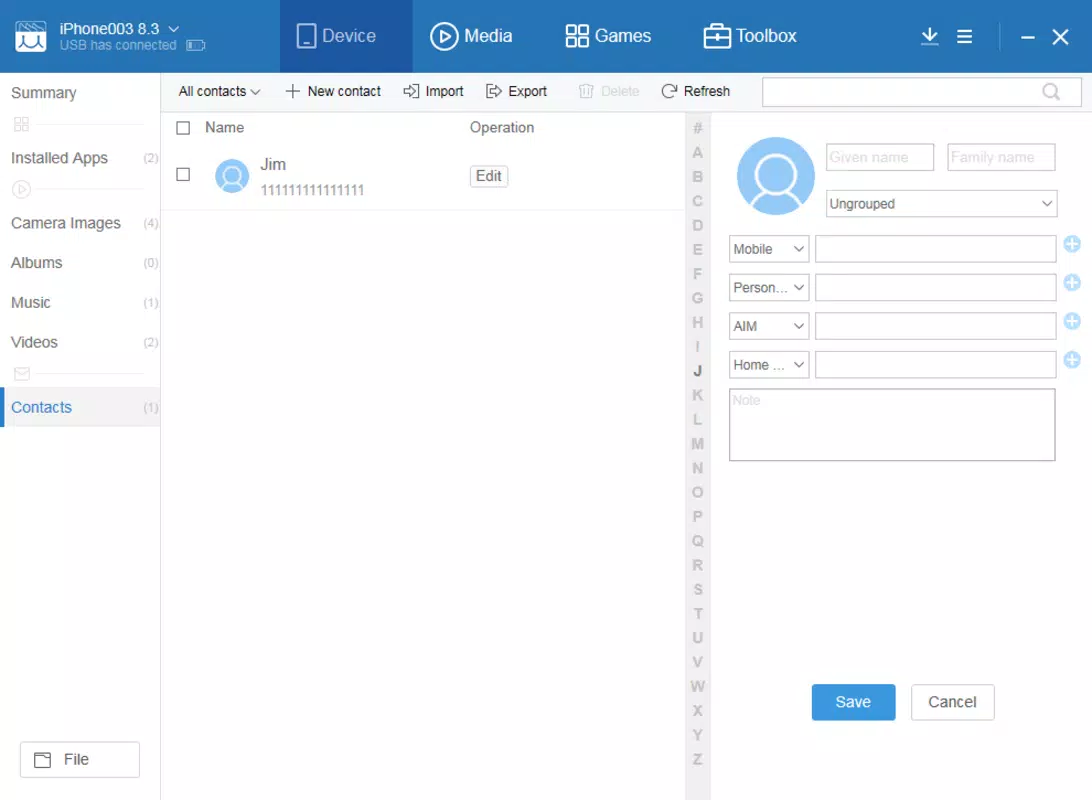
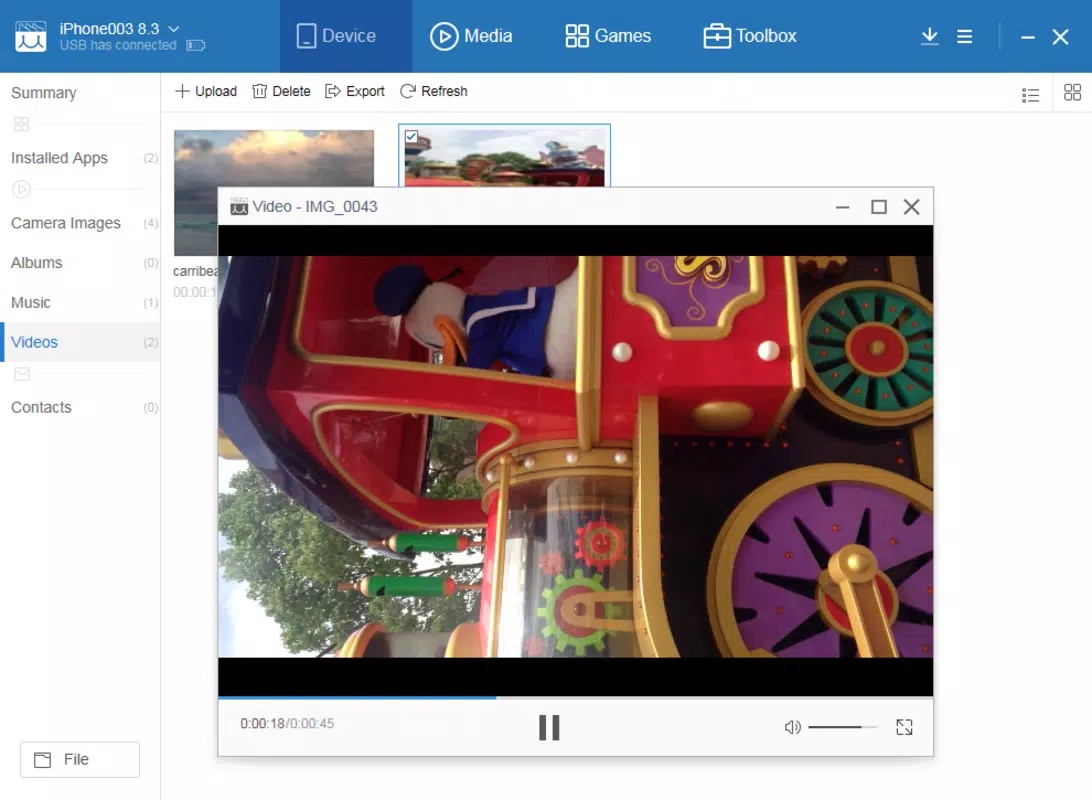
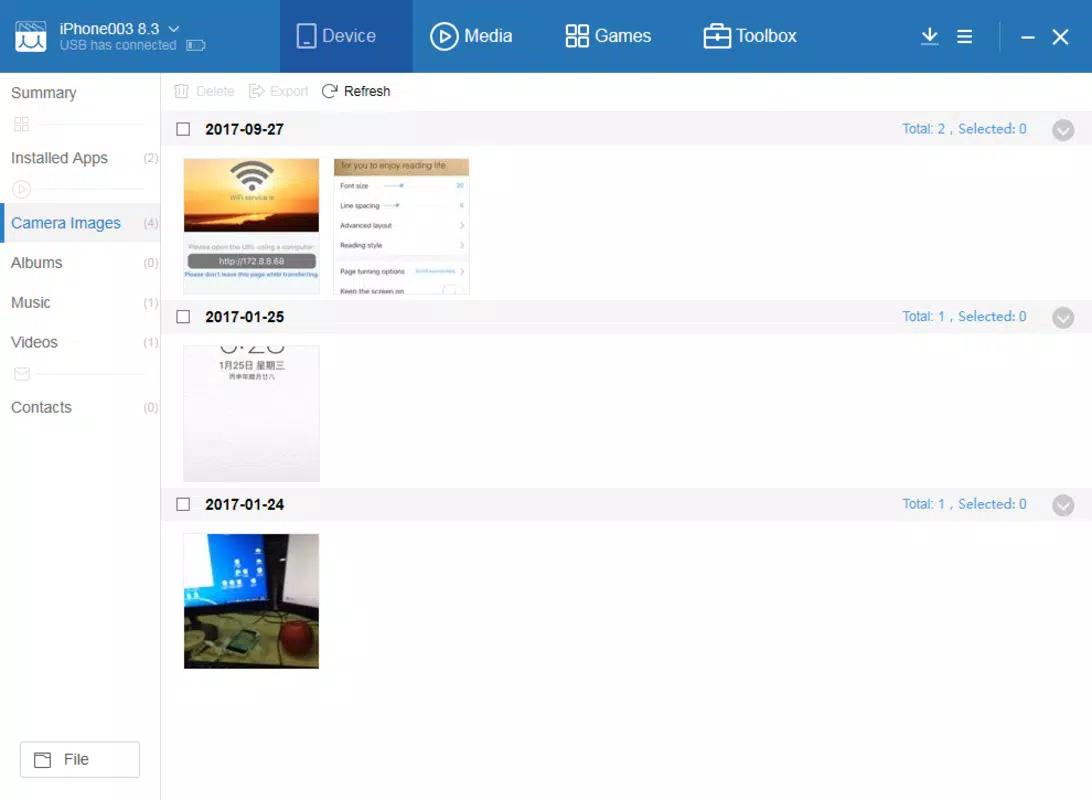
MoboPlay organizes its capabilities into four distinct functional areas, each addressing a core aspect of mobile device management. The first is Multi-Dimensional Device Analysis and Management, which provides users with a detailed view of their connected device’s system data, hardware specifications, and storage usage. This feature enables users to audit installed applications, identify space-consuming files, and perform targeted cleanup operations. For example, a user with a cluttered phone can quickly locate and remove redundant apps or large media files, improving device performance and freeing up valuable storage. The second feature, Simplified Music Management, allows users to browse, play, and delete music tracks directly from their desktop. The integrated music player ensures accuracy during deletions by enabling real-time playback, preventing accidental removal of desired songs. This is particularly useful for users maintaining large music libraries who prefer to manage them on a larger screen with greater precision. The third area, Personalization and App Management, empowers users to customize their device’s appearance and functionality. It supports the download and application of wallpapers and popular apps directly from the desktop, enhancing user experience through visual and functional customization. The fourth and most critical function, Security Copies and System Restoration, enables full system backups and the ability to restore data in case of device failure, theft, or accidental deletion. Additionally, a memory cleanse tool helps remove obsolete data, optimizing device performance.Interface, UX & Performance
MoboPlay presents a clean, organized interface structured around four clearly labeled tabs, each corresponding to a major functionality area. The layout emphasizes usability, with intuitive navigation that allows users to switch between device analysis, music management, personalization, and backup tools with minimal effort. Visual design is functional rather than flashy, prioritizing clarity and accessibility over aesthetic embellishment. Icons are well-defined, and text labels are legible, contributing to a professional and user-friendly experience. Navigation flow is linear and predictable, reducing the learning curve for new users. The app responds promptly to user inputs, with minimal lag during file transfers or system scans. Although the developer did not list formal performance metrics, the interface remains responsive across various device configurations, suggesting optimized resource usage. Stability appears consistent during extended sessions, with no reported crashes or freezes in standard usage scenarios. The app’s performance is likely influenced by the host computer’s hardware and the connected mobile device’s condition. However, users can expect smooth operation on modern desktops and laptops. Responsiveness during file transfers and system scans is adequate, supporting efficient workflow execution. Overall, the UX is designed with productivity in mind, making it suitable for both casual users and those managing multiple devices.Platform Compatibility & Technical Requirements
MoboPlay is available exclusively on the Android platform, making it accessible to users running Android devices. The current software version is 2.0.5, with a file size of 120 MB, indicating a lightweight installation that should not strain system resources. The app is offered at no cost, with a free pricing model that removes financial barriers to access. Compatibility information was not fully disclosed, but the app is designed to work with both Android and iOS devices when connected via USB or wireless protocols. The developer did not specify minimum OS requirements or hardware prerequisites. As such, users are advised to ensure their desktop environment meets general standards for running desktop applications. The app’s compatibility with different Android versions and iOS models remains unverified in the provided data. However, its broad functionality suggests support for a wide range of devices, particularly those released within the last five years.Pros and Cons
- Offers a unified desktop interface for managing both Android and iOS devices
- Enables full system backups and data restoration for enhanced security
- Includes a built-in music player for safe and accurate track deletion
- Supports file cleanup and memory optimization to improve device performance
- Free to download and use, with no in-app purchases or hidden fees
- Compatibility with specific Android and iOS versions was not disclosed
- Performance on older or low-end desktop systems may vary
- Limited information on supported file formats and transfer speeds
- No official support channels or documentation were provided
- Security protocols for data transmission were not specified


